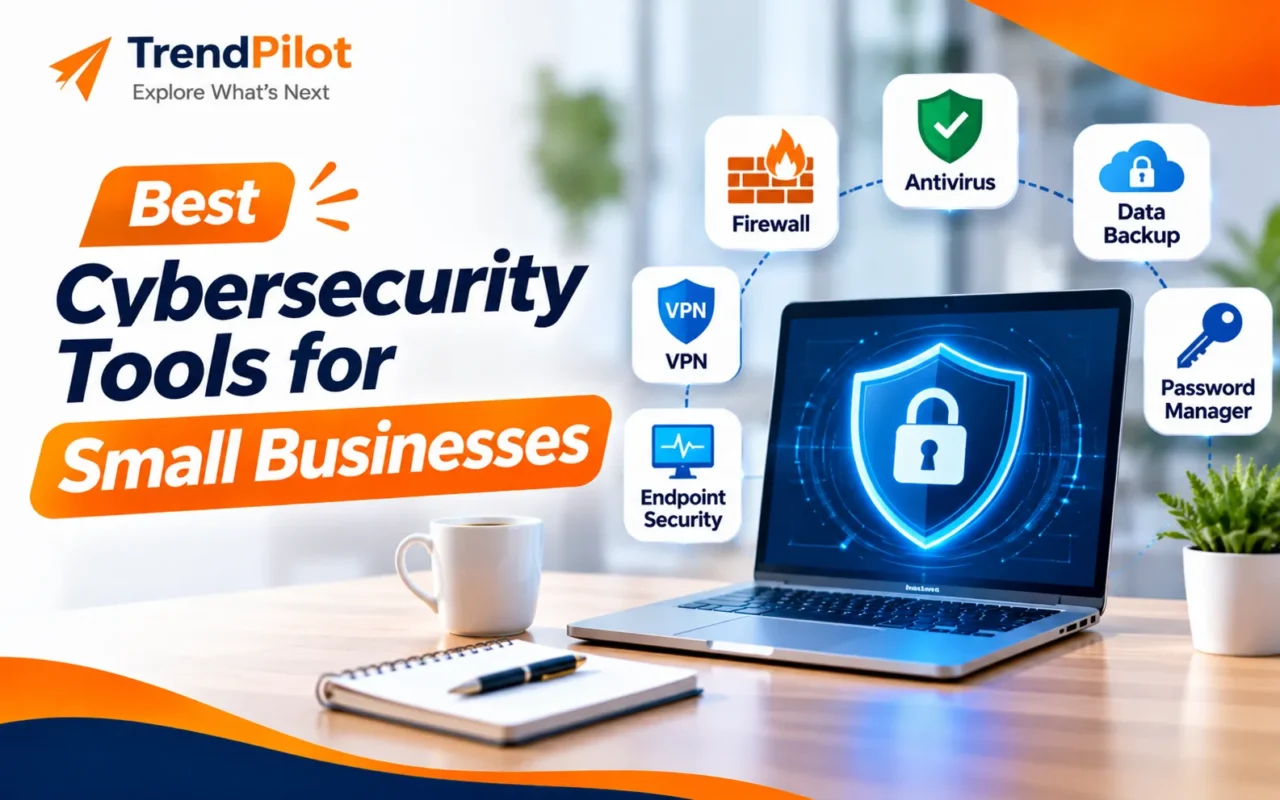
Running a small business involves managing customer information, employee accounts, financial records, and important company data. As businesses depend more on websites, emails, cloud applications, and online transactions, protecting this information becomes increasingly important.
Small business cybersecurity is no longer something that only large companies need to consider. Even a small organisation can become a target of phishing emails, malware, ransomware, and data theft. A single security incident can interrupt daily operations and affect customer trust.
Fortunately, businesses do not always need expensive security systems to get started. The right combination of cybersecurity tools can help protect devices, secure passwords, monitor suspicious activity, and keep important data safe.
In this guide, we will explore some of the best cybersecurity tools for small businesses and explain how to choose the right solutions for your company’s needs.
Why Is Cybersecurity Important for Small Businesses?
Small businesses often handle sensitive information but may not have a dedicated IT security team. This can make it difficult to identify and prevent online threats.
Here are some common cybersecurity risks:
- Phishing Attacks: Fake emails and messages designed to steal login information.
- Malware: Harmful software that can damage devices or access confidential files.
- Ransomware: Attacks that lock important business data and demand payment.
- Weak Passwords: Easy-to-guess passwords that make business accounts vulnerable.
- Data Breaches: Unauthorised access to customer, employee, or company information.
Using reliable cybersecurity tools can help reduce these risks and improve overall business security.
7 Best Cybersecurity Tools for Small Businesses
Choosing the right software depends on your business size, budget, number of employees, and security requirements. Below are seven useful tools and categories worth considering.
1. Bitdefender GravityZone – Business Device Protection
Bitdefender GravityZone is a business security platform designed to protect computers and other business devices against malware, ransomware, and online threats.
It provides centralised security management, making it easier for businesses to monitor and manage protection across multiple devices.
Key Features:
- Malware and ransomware protection.
- Endpoint security management.
- Threat detection and prevention.
- Centralised security dashboard.
Best For: Small businesses that need reliable protection for employee computers and office devices.
Explore Bitdefender GravityZone.
2. Bitwarden – Password Management
Managing multiple business accounts can become difficult when employees use different passwords for emails, websites, and software platforms.
Bitwarden is a password manager that helps users securely store, organise, and share login credentials.
Using password managers can reduce the risk of weak or repeated passwords across business accounts.
Key Features:
- Secure password storage.
- Strong password generation.
- Secure credential sharing.
- Password management across devices.
Best For: Small teams that manage multiple online accounts and need better password organisation.
Explore Bitwarden Business.
3. Microsoft Defender for Business – Endpoint Security
Microsoft Defender for Business is a security solution designed for small and medium-sized businesses. It helps protect company devices against malware, ransomware, and other cyber threats.
Businesses already using Microsoft 365 can consider this solution as part of their existing technology setup, depending on their subscription.
Key Features:
- Endpoint threat detection.
- Ransomware protection.
- Security monitoring.
- Device protection and management.
Best For: Businesses that use Windows devices and Microsoft 365 services.
Explore Microsoft Defender for Business.
4. Cloudflare – Website and Network Security
Businesses that operate websites need protection against malicious traffic, online attacks, and unwanted access.
Cloudflare provides website performance and security services that can help protect websites from threats such as distributed denial-of-service (DDoS) attacks.
It also offers security solutions for businesses that need to manage access to their online systems.
Key Features:
- DDoS protection.
- Web traffic filtering.
- Secure access solutions.
- Website performance improvements.
Best For: Small businesses, online stores, and companies that depend on their websites.
Explore Cloudflare Security.
5. 1Password – Secure Business Password Sharing
1Password is another popular password management solution for businesses. It helps teams store passwords and sensitive login information in secure digital vaults.
It can also make it easier for employees to share access to business accounts without sending passwords through unsecured messages.
Key Features:
- Secure password vaults.
- Password sharing.
- Access management.
- Security monitoring features.
Best For: Businesses with multiple employees who regularly access shared software and online accounts.
Explore 1Password Business.
6. Backblaze – Business Data Backup
Losing business files can create serious problems, especially when important documents, customer records, and financial information are involved.
Backblaze offers cloud backup solutions that help businesses store copies of important data and recover files when needed.
Regular backups are an important part of a complete small business cybersecurity strategy.
Key Features:
- Automatic computer backups.
- Cloud-based data storage.
- File recovery options.
- Business backup management.
Best For: Small businesses that want an additional layer of protection for important company files.
Explore Backblaze Business Backup.
7. Google Authenticator – Two-Factor Authentication
Passwords alone may not provide enough protection for important business accounts. Two-factor authentication adds another verification step during login.
Google Authenticator generates verification codes that users can enter when signing in to supported accounts.
This adds an extra layer of protection even if someone discovers a user’s password.
Key Features:
- Time-based verification codes.
- Support for multiple accounts.
- Offline code generation.
- Additional account security.
Best For: Small business owners and employees who want to strengthen account login security.
Explore Google Authenticator.
How to Choose the Right Cybersecurity Tools for Your Business?
Not every business needs the same security software. Before selecting a solution, consider your company’s requirements.
Here are five important factors:
1. Identify Your Security Requirements
Understand what information your business handles and which devices, applications, and accounts need protection.
2. Consider Your Budget
Compare free and paid plans. Look for solutions that provide the necessary features without paying for services your business does not need.
3. Check Ease of Use
Choose software that employees can understand and use without complicated technical knowledge.
4. Review Compatibility
Make sure your selected tools work with your existing computers, operating systems, business applications, and cloud services.
5. Check Support and Updates
Choose providers that offer regular security updates, useful documentation, and reliable customer support.
Essential Cybersecurity Practices for Small Businesses
Along with using the right tools, businesses should follow some basic security practices.
- Use strong and unique passwords for business accounts.
- Enable multi-factor authentication wherever available.
- Keep operating systems and software updated.
- Back up important business data regularly.
- Avoid opening suspicious emails and attachments.
- Provide basic cybersecurity training to employees.
- Give employees access only to the information they need.
The NIST Small Business Cybersecurity Guide provides additional guidance for organisations looking to improve their security practices.
Businesses can also explore the CISA Small Business Cybersecurity Resources for practical security recommendations.
Common Cybersecurity Mistakes Small Businesses Should Avoid
Even with good security software, certain mistakes can increase business risks.
Using the Same Password Everywhere: Reusing passwords across multiple accounts can put several business systems at risk if one account is compromised.
Ignoring Software Updates: Delaying updates can leave known security weaknesses unprotected.
Not Backing Up Important Files: Without proper backups, recovering business information after an incident can become difficult.
Giving Everyone Full Access: Employees should only receive access to the accounts and information required for their responsibilities.
Ignoring Employee Awareness: Employees should understand how to identify suspicious emails, links, and unexpected login requests.
Avoiding these mistakes can help create a stronger security environment.
Conclusion
Protecting business information is essential for companies of every size. From endpoint protection and password managers to secure backups and two-factor authentication, the right combination of tools can help reduce cybersecurity risks.
Small businesses should start by identifying their most important security requirements and selecting solutions that fit their budget and daily operations.
Remember, effective small business cybersecurity is not about using the maximum number of tools. It is about choosing reliable solutions, keeping them updated, and building safe digital habits across the organisation.
By taking these steps, businesses can protect their information, improve customer confidence, and create a more secure digital working environment.
Visit TrendPilot to discover more business and technology insights.
Frequently Asked Questions (FAQs)
1. What are the best cybersecurity tools for small businesses?
Some useful options include Bitdefender GravityZone, Microsoft Defender for Business, Bitwarden, 1Password, Cloudflare, and Backblaze. The right choice depends on business requirements.
2. Why are password managers important for small businesses?
Password managers help employees create, store, and manage strong and unique passwords, reducing the risks associated with weak or reused credentials.
3. Is antivirus software enough to protect a small business?
No. Antivirus software is useful, but businesses also need multi-factor authentication, secure passwords, regular updates, data backups, and employee awareness.
4. How can a small business improve cybersecurity on a limited budget?
Businesses can begin with multi-factor authentication, strong passwords, automatic software updates, reliable backups, and built-in security features before investing in additional paid tools.
5. How often should businesses back up their data?
Important business data should be backed up regularly according to how frequently it changes. Businesses should also test their backups to ensure that files can be restored when needed.