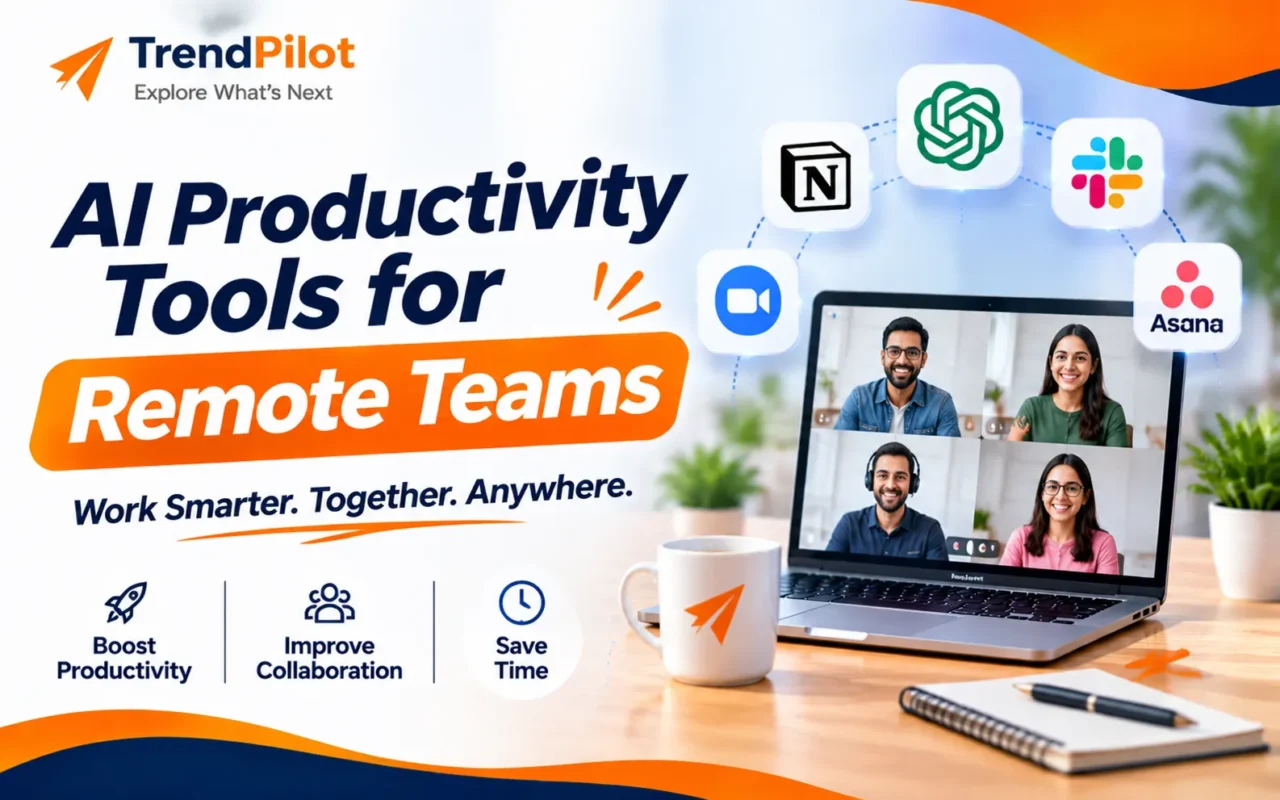
Remote work has changed how businesses communicate, manage projects, and complete daily tasks. Teams can now work together from different cities and countries without being in the same office. However, managing deadlines, meetings, team communication, and project updates can sometimes become challenging.
This is where AI productivity tools can make a difference. Artificial intelligence helps remote teams save time, organise information, automate repetitive tasks, and improve collaboration.
From AI-powered writing assistants to project management platforms and meeting summarisation tools, businesses have many options to make remote work more organised and efficient.
In this guide, we will explore some of the best AI productivity tools for remote teams, their key features, and how businesses can use them to improve everyday workflows.
Why Do Remote Teams Need AI Productivity Tools?
Working remotely provides flexibility, but it also requires proper coordination and communication. Without the right systems, teams may face delays, missed updates, and difficulty tracking project progress.
AI-powered solutions can help address these challenges.
Here are some important benefits:
- Save Time: Automate repetitive tasks such as writing emails, preparing summaries, and organising information.
- Improve Communication: Summarise long conversations and help team members stay updated.
- Manage Projects Better: Organise tasks, track deadlines, and monitor project progress.
- Reduce Manual Work: Automate routine activities and simplify daily workflows.
- Support Collaboration: Help employees share information and work together from different locations.
7 Best AI Productivity Tools for Remote Teams
Choosing the right software depends on your team’s size, work requirements, existing applications, and budget. Here are seven useful AI-powered tools that can support remote collaboration.
1. ChatGPT – AI Writing and Research Assistant
ChatGPT is an AI assistant that helps remote teams with writing, brainstorming, research, content creation, and data analysis.
Employees can use it to prepare emails, create reports, summarise documents, generate content ideas, and organise information.
Key Features:
- AI-powered writing and editing.
- Research and information summarisation.
- Content and idea generation.
- File analysis and data assistance.
- Support for everyday work tasks.
Best For: Remote teams that regularly work with documents, research, reports, and content creation.
Explore ChatGPT.
2. Notion AI – Team Documentation and Knowledge Management
Notion AI combines workspace organisation, documentation, project management, and AI assistance. It helps remote teams keep important information organised in one place.
Teams can use it to create meeting notes, manage project documentation, summarise information, and find relevant workspace content.
Key Features:
- AI-powered writing and editing.
- Meeting notes and summaries.
- Project documentation.
- Workspace search.
- Information organisation.
Best For: Remote teams that need a shared workspace for notes, documents, and project information.
Explore Notion AI.
3. Slack AI – Team Communication and Collaboration
Slack is a communication platform that helps remote employees stay connected through channels, direct messages, and team conversations.
Its AI features can help users summarise conversations, understand long discussion threads, and find important information.
Key Features:
- Conversation summaries.
- AI-powered search.
- Channel and thread summaries.
- Meeting and huddle support.
- Team communication management.
Best For: Remote teams that handle frequent discussions, project updates, and daily communication.
Explore Slack.
4. Microsoft 365 Copilot – AI Assistance for Office Work
Microsoft 365 Copilot brings AI assistance into familiar workplace applications such as Word, Excel, PowerPoint, Outlook, and Teams.
It can help employees draft documents, summarise emails, analyse information, prepare presentations, and support meeting follow-ups.
Key Features:
- AI-assisted document creation.
- Email drafting and summarisation.
- Spreadsheet analysis.
- Presentation assistance.
- Meeting summaries and follow-ups.
Best For: Businesses that already use Microsoft 365 for everyday office operations.
Explore Microsoft 365 Copilot.
5. ClickUp Brain – AI-Powered Project Management
ClickUp is a project management platform that helps teams organise tasks, manage deadlines, and monitor project progress.
ClickUp Brain adds AI capabilities that help employees summarise projects, generate content, find workspace information, and improve task management.
Key Features:
- AI-powered task assistance.
- Project summaries and updates.
- Workspace question answering.
- AI writing support.
- Workflow assistance.
Best For: Remote teams managing multiple projects, deadlines, and team responsibilities.
Explore ClickUp Brain.
6. Asana AI – Smart Task and Workflow Management
Asana helps businesses organise projects, assign responsibilities, and track work progress. Its AI features support project planning and workflow coordination.
Teams can use AI assistance to generate updates, create tasks, and manage repetitive project activities.
Key Features:
- AI-assisted task creation.
- Project status updates.
- Workflow automation.
- Team coordination.
- Project planning support.
Best For: Remote teams that need better task visibility, project tracking, and deadline management.
Explore Asana AI.
7. Zapier – AI Workflow Automation
Zapier is an automation platform that connects different business applications and helps automate repetitive tasks.
Remote teams can use it to connect their existing tools and create workflows that reduce manual work.
For example, businesses can automate notifications, transfer information between applications, and organise routine processes.
Key Features:
- App-to-app automation.
- AI-powered workflow assistance.
- Automated notifications.
- Data transfer between applications.
- No-code workflow creation.
Best For: Businesses that want to connect multiple applications and reduce repetitive manual tasks.
Explore Zapier.
Comparison of AI Productivity Tools for Remote Teams
| AI Tool | Main Purpose | Best Use |
| ChatGPT | Writing and research | Content and reports |
| Notion AI | Documentation | Team knowledge |
| Slack AI | Communication | Team discussions |
| Microsoft 365 Copilot | Office productivity | Documents and meetings |
| ClickUp Brain | Project management | Tasks and updates |
| Asana AI | Workflow management | Project coordination |
| Zapier | Automation | Repetitive tasks |
How to Choose the Right Remote Work Tools?
Not every remote team needs the same software. Before selecting AI productivity tools, businesses should consider their actual work requirements.
1. Understand Your Team’s Needs
Identify the tasks that consume the most time. For example, some teams may need better communication, while others may require project management or workflow automation.
2. Check Integration Options
Choose tools that work with your existing applications. This helps employees manage their work without constantly switching between different platforms.
3. Consider Ease of Use
Select software that employees can learn and use comfortably. Complicated systems may create additional work instead of improving productivity.
4. Review Security and Privacy
Check how the platform handles business information, user permissions, and data privacy. Avoid sharing confidential company information with AI tools unless their security and data policies have been reviewed.
5. Compare Features and Plans
Compare available features, usage limits, and subscription requirements before selecting a paid solution.
Best Practices for Using AI Productivity Tools in Remote Teams
Using AI software effectively requires proper planning and team coordination.
Here are some practical tips:
- Start with one or two tools that solve your team’s biggest problems.
- Provide basic training so employees understand how to use AI features.
- Create clear guidelines for handling company information.
- Review AI-generated content before sharing or publishing it.
- Use automation for repetitive tasks, but keep human supervision for important decisions.
- Regularly evaluate whether the tools are actually saving time.
Common Mistakes to Avoid When Using AI Tools
Although AI can improve productivity, using it without proper planning may create new challenges.
Using Too Many Tools: Adding several applications without a clear purpose can make work confusing.
Depending Completely on AI: AI-generated information may contain mistakes. Important documents, reports, and decisions should always be reviewed.
Ignoring Data Privacy: Employees should understand which business information can safely be shared with external AI platforms.
Poor Team Adoption: Introducing new software without training can make it difficult for employees to use its features effectively.
Not Measuring Results: Businesses should evaluate whether automation and AI assistance are actually improving their workflows.
Conclusion
AI is changing how remote teams communicate, organise projects, and manage everyday responsibilities. From ChatGPT and Notion AI to ClickUp Brain and Zapier, businesses can choose different solutions depending on their requirements.
The best approach is to select tools that solve real workplace problems rather than adopting every new AI application.
By combining the right AI productivity tools with effective communication, proper planning, and human supervision, remote teams can build more organised and efficient workflows.
Take Your Business Productivity to the Next Level with TrendPilot
Want to explore more about AI, automation, and the latest technology trends?
Visit TrendPilot to discover useful insights, digital solutions, and practical ideas that can help businesses work smarter and grow.
Explore TrendPilot and stay updated with the latest technology trends!
Frequently Asked Questions (FAQs)
1. What are the best AI productivity tools for remote teams?
Some useful options include ChatGPT, Notion AI, Slack AI, Microsoft 365 Copilot, ClickUp Brain, Asana AI, and Zapier. The right choice depends on your team’s workflow and requirements.
2. How do AI productivity tools help remote employees?
They help employees save time by supporting writing, research, meeting summaries, task management, communication, and workflow automation.
3. Are AI productivity tools suitable for small businesses?
Yes. Small businesses can use AI tools to organise daily tasks, improve communication, and reduce repetitive manual work. They should choose solutions according to their budget and needs.
4. Can AI tools automate remote team workflows?
Yes. Platforms such as Zapier can connect different applications and automate repetitive activities, notifications, and data transfers.
5. Are AI productivity tools safe for business use?
They can be used safely when businesses select suitable platforms, review data privacy policies, configure access permissions, and follow clear guidelines for handling confidential information.