Customers expect quick answers when they contact a business. Whether they have questions about products, services, orders, or payments, they usually do not want to wait hours for a response. This is where an AI chatbot for customer service can make a difference.
AI chatbots help businesses answer common questions, guide visitors, and provide support without requiring a human agent for every conversation. They can also help startups and small businesses manage customer queries more efficiently.
In this guide, we will explore how AI chatbots work, their benefits, popular chatbot tools, and how to choose the right solution for your business.
What Is an AI Chatbot for Customer Service?
An AI chatbot for customer service is a software application that uses artificial intelligence to communicate with customers through text or voice.
Unlike basic chatbots that only follow fixed rules, AI-powered chatbots can understand customer questions and provide relevant responses using natural language processing and other AI technologies.
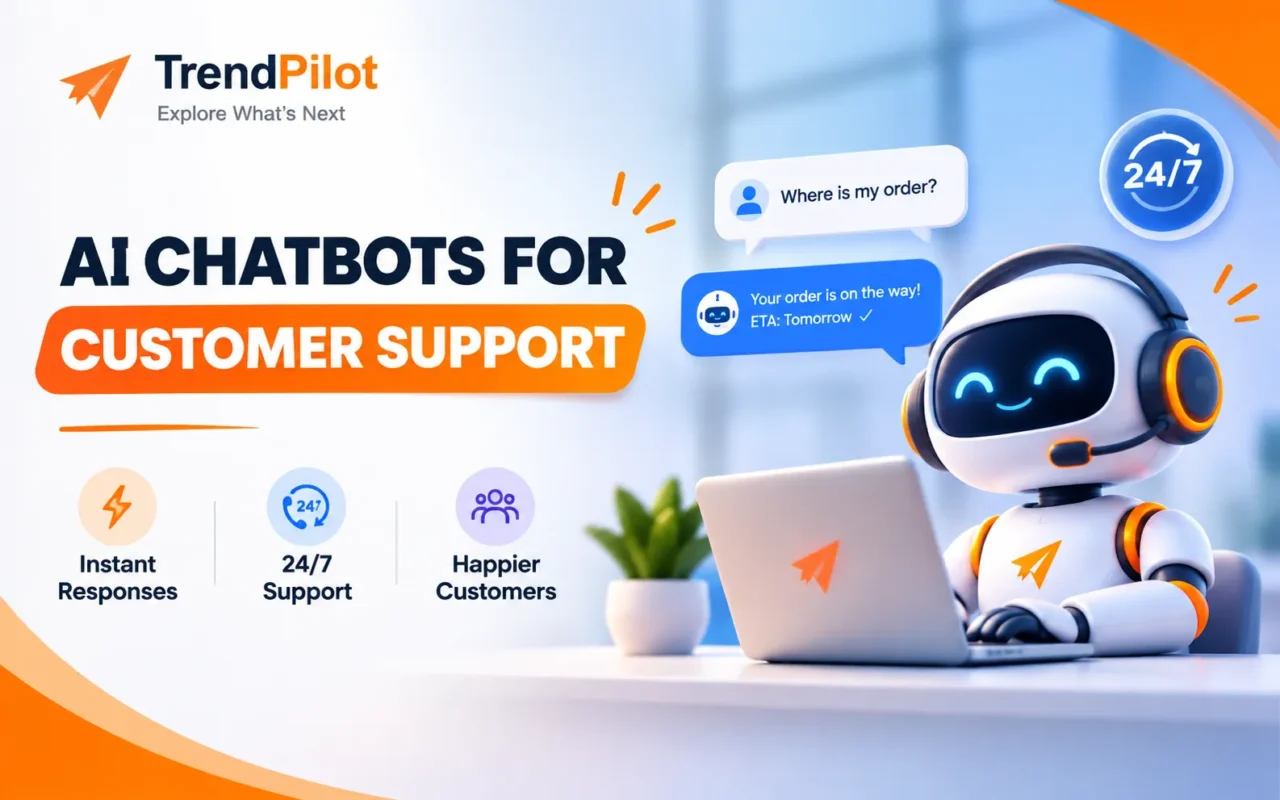
For example, when a customer asks, “Where is my order?”, a chatbot connected to the business’s order system may help them check their order status.
Businesses can use chatbots on websites, mobile applications, messaging platforms, and other digital channels.
How Do AI Chatbots Work?
AI chatbots use different technologies to understand questions and generate responses.
Here is a simple explanation of how they work:
- Customer sends a message: A visitor asks a question through a website chat window or messaging platform.
- Chatbot understands the query: The AI system processes the message and identifies what the customer needs.
- Chatbot finds relevant information: It uses its configured knowledge base, connected data, or available tools to find an answer.
- Chatbot responds: It provides an answer or guides the customer to the next step.
- Human support when needed: If the question is too complex, the chatbot can direct the conversation to a human agent.
Best AI Chatbot Tools for Customer Support in 2026
There are many chatbot tools available, but not every platform is suitable for every business. Some focus on customer support, while others offer website automation, lead generation, and AI-powered conversations.
Here are some popular options to explore.
1. Intercom – Best for AI-Powered Customer Support
Intercom offers customer communication and support tools, including its Fin AI Agent. Businesses can use it to manage customer conversations and automate responses to common questions.
Key Features:
- AI-powered customer support.
- Customer messaging.
- Support conversation management.
- Help centre and knowledge base.
- Integration options.
Best For: Businesses that want to manage customer support conversations through one platform.
2. Tidio – Best for Small Businesses
Tidio provides live chat and chatbot features that help businesses communicate with website visitors. Its Lyro AI Agent can help answer customer questions using business information.
Key Features:
- Website live chat.
- Automated chatbot workflows.
- AI customer support features.
- Visitor communication.
- Ecommerce integrations.
Best For: Small businesses and online stores that want to improve website communication.
3. Manychat – Best for Social Media Automation
Manychat helps businesses automate conversations on supported messaging platforms. It is commonly used for marketing, lead generation, and customer engagement.
Businesses can create automated responses to messages and guide users through simple conversation flows.
Key Features:
- Automated messaging.
- Social media conversation workflows.
- Lead collection.
- Comment-to-message automation.
- Marketing integrations.
Best For: Businesses and creators that receive customer queries through social media.
4. Zendesk – Best for Customer Support Teams
Zendesk provides customer service software that helps businesses manage support requests across different communication channels. Its AI features can assist with answering questions and managing support workflows.
Key Features:
- Customer support ticket management.
- AI-powered support features.
- Multiple communication channels.
- Help centre tools.
- Customer service reporting.
Best For: Businesses with dedicated customer support teams and larger volumes of customer queries.
5. HubSpot – Best for CRM and Customer Communication
HubSpot offers CRM and customer service tools that help businesses manage customer information and conversations.
Its chatbot features can help website visitors find information, collect contact details, and connect with the right team.
Key Features:
- CRM integration.
- Website chatbot builder.
- Lead collection.
- Customer conversation management.
- Reporting and automation features.
Best For: Startups and businesses that want to connect customer support with lead management.
You can also explore our guide on Best CRM Software for Small Businesses to understand how CRM platforms help manage customer information and leads.
6. Botpress – Best for Custom AI Chatbots
Botpress is a platform for building AI chatbots and conversational applications. It can be useful for businesses that need more control over chatbot behaviour and workflows.
Key Features:
- Custom chatbot development.
- AI-powered conversations.
- Knowledge base connections.
- Workflow creation.
- Integration options.
Best For: Businesses that need customised chatbot experiences for specific tasks.
Benefits of Using AI Chatbots for Customer Service
AI chatbots can support customer service teams in several ways.
1. Quick Responses to Customer Questions
Customers can receive answers to common questions without waiting for an available support agent. This can make the overall support experience faster.
2. 24/7 Customer Assistance
A chatbot can respond to customer queries outside regular business hours, depending on its configuration and available information.
3. Reduced Repetitive Work
Support teams often answer the same questions repeatedly. Chatbots can handle many routine queries, allowing employees to focus on more complicated customer issues.
4. Better Lead Collection
Chatbots can ask visitors for basic information, such as their name, email address, or service requirements. Businesses can use this information to follow up with interested customers.
For more ways to stay connected with potential customers, read our guide to Best Email Marketing Tools for Startups.
5. Improved Customer Experience
When customers can easily find answers, they may have a smoother experience while interacting with a business.
6. Support for Growing Businesses
As a business receives more queries, handling every conversation manually can become difficult. Chatbots can help manage routine conversations as the business grows.
AI Chatbots vs Traditional Chatbots: What’s the Difference?
Both AI chatbots and traditional chatbots help businesses automate conversations, but they work differently.
| Feature | Traditional Chatbot | AI Chatbot |
| Responses | Predefined replies | AI-generated or knowledge-based replies |
| Understanding | Follows fixed rules | Can interpret natural language |
| Flexibility | Limited conversation paths | More flexible conversations |
| Setup | Rule-based configuration | Requires suitable AI setup and information |
| Complex Queries | Usually limited | Can handle more varied queries, depending on configuration |
Traditional chatbots are useful for simple questions with fixed answers. AI chatbots are more suitable when customers ask questions in different ways or need more flexible responses.
How to Choose the Right Chatbot Tools for Your Business
Before selecting a chatbot platform, understand what your business actually needs.
1. Identify Your Main Requirement
Decide whether you need a chatbot for answering FAQs, collecting leads, managing support requests, or handling ecommerce questions.
2. Check Integration Options
Your chatbot should work with your website, CRM, helpdesk, or messaging platforms. This helps keep customer information and conversations organised.
3. Consider Your Budget
Compare free plans, subscription costs, usage limits, and additional charges. Choose a tool that fits your current budget.
4. Review Customisation Features
Check whether you can customise chatbot messages, conversation flows, branding, and responses according to your business requirements.
5. Check Human Support Handover
A good customer support chatbot should provide a way to connect customers with a human agent when it cannot answer a question correctly.
6. Test Before Choosing
Try a demo or free trial where available. Test common customer questions and check whether the chatbot provides useful and accurate responses.
Common Mistakes to Avoid When Using AI Chatbots
AI chatbots can improve customer support, but poor implementation can create problems.
Here are some mistakes businesses should avoid:
- Depending completely on chatbots: Keep human support available for complex or sensitive questions.
- Using outdated information: Regularly update the chatbot’s knowledge base.
- Ignoring customer privacy: Handle customer information carefully and follow applicable privacy requirements.
- Making conversations complicated: Keep chatbot questions and instructions simple.
- Not testing responses: Test common and unusual questions before launching the chatbot.
- Not checking performance: Review conversations and identify where customers need additional help.
Final Thoughts
AI chatbots are becoming useful tools for businesses that want to improve customer communication and manage repetitive support tasks.
Platforms like Intercom, Tidio, Manychat, Zendesk, HubSpot, and Botpress offer different features for different business requirements.
The right AI chatbot for customer service depends on your business size, budget, customer support needs, and required integrations. Start with a clear purpose, test a few tools, and choose one that makes communication easier for both customers and your team.
For more guides on AI, SEO, marketing, and business technology, explore The Trend Pilot.