Creating content takes time. Whether you write blogs, make YouTube videos, design Instagram posts, or manage social media pages, there are many tasks to complete before publishing anything.
This is where AI tools can help. They can suggest ideas, improve writing, create designs, edit videos, and generate voiceovers. Using the right tools can make content creation faster and help creators manage their work more easily.
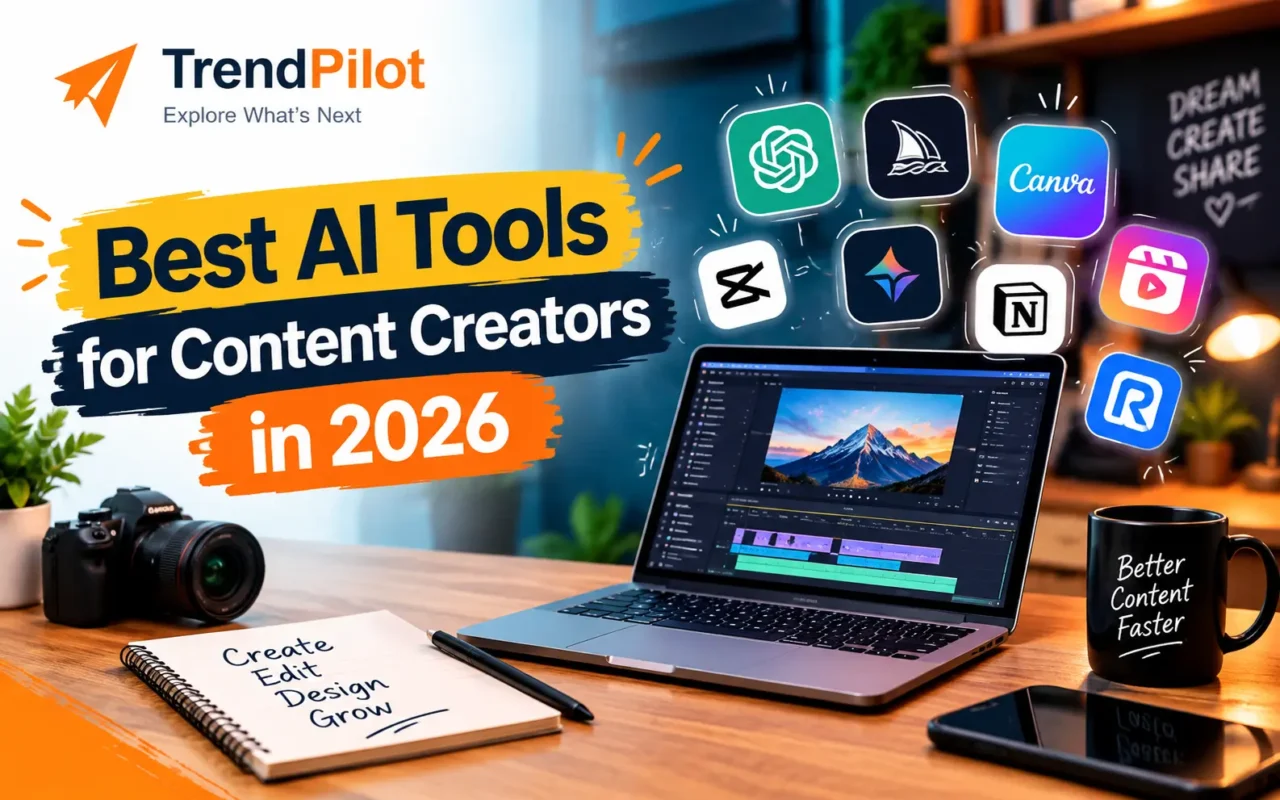
In this guide, we will explore the best AI tools for content creators in 2026, including AI writing tools, AI video tools, and design platforms. We will also explain what each tool does, who should use it, and what to consider before choosing a paid plan.
What Are AI Tools for Content Creators?
AI tools for content creators are software applications that use artificial intelligence to help create or improve digital content.
For example, a blogger can use AI to generate article ideas, while a YouTuber can use it to prepare scripts or edit videos. Social media creators can use AI to design posts, write captions, and prepare content calendars.
These tools do not replace creativity or human judgment. Instead, they help with repetitive tasks so creators can spend more time improving their ideas and connecting with their audience.
Best AI Tools for Content Creators in 2026
Here are some useful AI tools for different content creation tasks.
1. ChatGPT – Best for Writing and Content Ideas
Best for: Bloggers, social media managers, YouTubers, and digital marketers.
ChatGPT is one of the useful AI writing tools for planning and creating content. It can help you brainstorm topics, prepare blog outlines, write social media captions, improve headlines, and turn rough ideas into a structured draft.
For example, a blogger can ask ChatGPT to suggest blog topics around a keyword. A social media creator can use it to prepare a week’s worth of post ideas.
It can also help simplify complicated information and rewrite text for different audiences.
Key benefits:
- Generate content ideas and outlines.
- Draft and improve blog posts.
- Write captions and video scripts.
- Create content calendars and headlines.
Things to remember: Always review the facts, add your own experience, and edit the output before publishing. AI-generated text may contain mistakes or sound too generic.
2. Canva – Best for Graphic Design
Best for: Instagram creators, bloggers, small businesses, and beginners.
Canva helps creators design social media posts, blog banners, presentations, thumbnails, and other visual content without needing advanced design skills.
Its templates make it easier to create professional-looking graphics. Canva also offers AI-powered features that can help with writing, image creation, editing, and design tasks. Some features have usage limits or require a paid plan. Explore Canva’s plans and features.
Key benefits:
- Create social media posts and blog banners.
- Design YouTube thumbnails and presentations.
- Use ready-made templates.
- Maintain a consistent visual style.
For beginners, Canva is a practical starting point because many common design tasks can be completed in one place.
3. CapCut – Best for Short-Form Video Editing
Best for: YouTubers, Instagram creators, and video editors.
CapCut offers video editing tools for creating Reels, Shorts, tutorials, and other social media videos. Its AI-assisted features can help with captions, text-to-speech, video creation, and editing tasks.
For example, a creator can add subtitles to a video, adjust the format for different platforms, and improve the presentation before uploading it.
Key benefits:
- Edit short videos for social media.
- Generate or edit captions.
- Add text, effects, and voiceovers.
- Prepare videos for different screen sizes.
Some features may be restricted by region, device, or plan. Check availability before building your workflow around a specific tool.
4. Descript – Best for Editing Talking Videos and Podcasts
Best for: Podcasters, educators, interview creators, and YouTubers.
Descript is designed to make audio and video editing easier, especially for content that includes spoken words. Its text-based editing workflow lets creators work with a transcript to edit recordings.
This can be useful when preparing interviews, tutorials, podcasts, or talking-head videos. Instead of relying only on a traditional editing timeline, creators can use the transcript as part of their editing process.
Key benefits:
- Edit spoken content using text.
- Work with video and audio recordings.
- Prepare podcast and tutorial content.
- Use AI-assisted editing features.
It is worth considering if you regularly create longer videos or audio-based content. Review its current plans to understand the available features and limits.
5. Runway – Best for AI Video Generation
Best for: Video creators, creative teams, and visual storytellers.
Runway offers AI video generation and editing tools. Creators can work from text prompts, images, or existing clips to develop visual content.
It can help when you need a short visual scene, a creative background, or footage for a concept that would otherwise be difficult to record.
Key benefits:
- Generate video from prompts or images.
- Create visual concepts for projects.
- Edit and refine generated clips.
- Experiment with creative video styles.
AI-generated footage may need several attempts and manual editing to achieve the desired result. Check the available credits and export options before choosing a paid plan.
6. Adobe Express – Best for Quick Visual Content
Best for: Small businesses, social media creators, and marketing teams.
Adobe Express helps users create graphics, short videos, flyers, and social media content. It provides templates and editing features, along with AI tools for selected creative tasks.
It can be useful when you want to create a polished visual without using a more advanced design application.
Key benefits:
- Create social media graphics and short videos.
- Use templates for different content formats.
- Resize and edit visual content.
- Access selected AI-powered features.
Adobe offers a free plan as well as paid options. The available templates, assets, and AI features differ by plan. Check the official pricing page.
7. ElevenLabs – Best for AI Voiceovers
Best for: Video creators, educators, podcasters, and storytellers.
ElevenLabs offers AI voice generation and text-to-speech tools. These can turn written scripts into spoken audio for videos, explainers, and other creative projects.
For example, a creator making educational videos can prepare a script and generate a voiceover instead of recording every line manually.
Key benefits:
- Convert written scripts into speech.
- Create voiceovers for videos.
- Explore different voice styles and languages.
- Support audio production workflows.
Before publishing, listen to the complete recording and check pronunciation, tone, and accuracy. Also review the tool’s current plan limits and voice-use permissions.
Which AI Tool Should You Choose?
The best tool depends on the type of content you create. You do not need to subscribe to every platform to get started.
| Content Creation Task | Recommended Tool |
| Blog writing and ideas | ChatGPT |
| Graphics and thumbnails | Canva |
| Reels and short videos | CapCut |
| Podcast and talking-video editing | Descript |
| AI-generated video scenes | Runway |
| Quick social media designs | Adobe Express |
| AI voiceovers | ElevenLabs |
You can begin with one or two tools and add more only when your workflow requires them.
How to Use AI Tools Without Spending Too Much
AI tools can save time, but using several paid subscriptions can become expensive. Start with the tasks that take you the most time and choose tools that solve those specific problems.
Here are some practical tips:
- Start with free plans: Test a tool before paying for premium features.
- Choose tools based on your needs: A blogger may need writing and design tools more than AI video generation.
- Reuse content carefully: Turn a blog into social media posts, a short script, or a newsletter, but adapt the content for each platform.
- Create reusable templates: Save time by using consistent layouts for thumbnails, banners, and social media posts.
- Check usage limits: Free plans may limit exports, AI generations, storage, or other features.
- Review every output: Check facts, image quality, captions, and voiceovers before publishing.
If you are looking for more budget-friendly options, read our guide to the best AI tools for small businesses in 2026.
Common Mistakes to Avoid When Using AI
AI tools can make content creation easier, but they should not be used without checking the results.
Publishing AI Content Without Editing
AI-generated content may repeat common points or include incorrect information. Review the draft, verify important claims, and add your own knowledge before publishing.
Using Too Many Tools
Switching between many platforms can make work more complicated. Choose a small set of tools that fits your workflow.
Ignoring Originality and Copyright
Do not assume every generated image, voice, or piece of text is automatically safe for every commercial use. Review the relevant platform terms and any licensing requirements.
Forgetting the Audience
Content should answer the audience’s actual questions. Use AI as an assistant, but make sure your final content is useful, clear, and relevant to the people you want to reach.
Frequently Asked Questions
1. What are the best AI tools for content creators in 2026?
Useful options include ChatGPT for writing, Canva for design, CapCut for video editing, Descript for spoken-video editing, Runway for AI video generation, Adobe Express for visual content, and ElevenLabs for voiceovers.
2. Are there free AI tools for content creators?
Yes. Several platforms offer free plans or limited free features. Availability, usage limits, and premium features vary, so check each platform’s current plan details.
3. Which AI tool is best for YouTube creators?
The best choice depends on the task. ChatGPT can help with ideas and scripts, CapCut can help with editing, Descript can support spoken-video workflows, and Canva can help create thumbnails.
4. Can AI tools create an entire blog or video?
Some tools can generate substantial drafts or assist with multiple production steps. However, human review is still important for accuracy, originality, quality, and audience relevance.
5. Do beginners need paid AI tools?
Not necessarily. Beginners can start with free plans and upgrade only when they need specific features, higher usage limits, or more advanced editing options.
Conclusion
The best AI tools for content creators in 2026 can help with writing, graphic design, video editing, voiceovers, and content planning. ChatGPT, Canva, CapCut, Descript, Runway, Adobe Express, and ElevenLabs each serve different needs.
Instead of choosing tools just because they are popular, start with your main content task and test a suitable option. Focus on making useful, original content rather than relying on automation alone.
Explore More AI Tools
Visit The Trend Pilot homepage for more technology updates, AI guides, and useful digital tools.