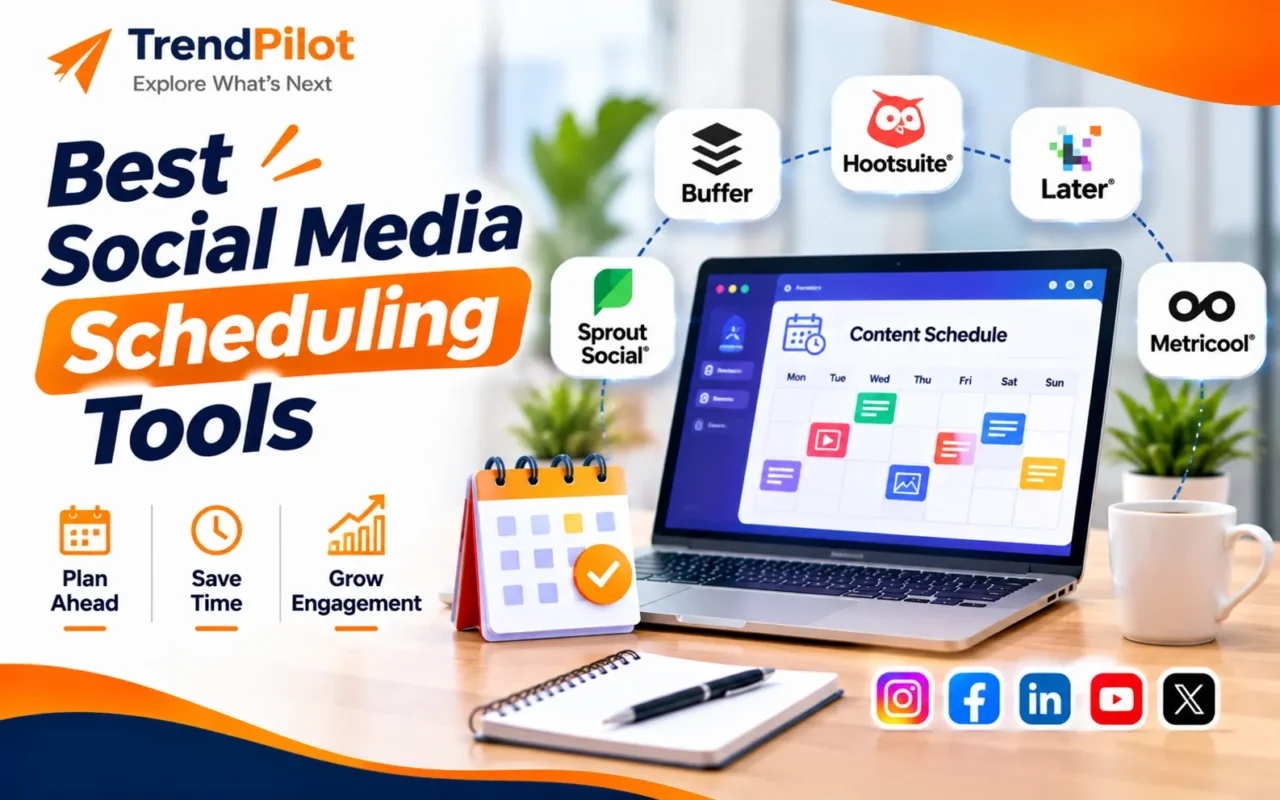
Managing multiple social media accounts can become time-consuming for businesses, creators, and digital marketing teams. Creating posts, writing captions, designing creatives, publishing content, and tracking engagement all requing tools become useful. These platforms allow users to plan content in advance, organise publishing calendars, and manage multiple social media accounts from one place.
Whether you manage a small business, work as a social media managre proper planning.
Posting manually on every platform can make it difficult to maintain a consistent content schedule. This is where social media schedulier, or handle multiple client accounts, the right scheduling software can help save time and improve your content workflow.
In this guide, we will explore the best social media scheduling tools, their key features, useful Buffer alternatives, and how to choose the right platform for your business.
Why Are Social Media Scheduling Tools Important?
Social media marketing requires consistency and proper organisation. Businesses need to publish relevant content regularly while managing different platforms and audience requirements.
Using scheduling software can make this process easier.
Here are some important benefits:
- Save Time: Prepare and schedule multiple posts in advance instead of publishing manually every day.
- Maintain Consistency: Follow a regular posting schedule across different social media platforms.
- Manage Multiple Accounts: Organise several business profiles from one dashboard.
- Improve Team Collaboration: Share content calendars and manage post approvals.
- Track Performance: Review post analytics and understand which content receives better engagement.
- Plan Content Better: Organise upcoming campaigns, promotions, reels, and other content formats.
7 Best Social Media Scheduling Tools for Businesses
Different scheduling platforms offer different features. Some focus on simple publishing, while others provide analytics, team collaboration, and advanced content management.
Here are seven useful options to consider.
1. Buffer – Simple Social Media Scheduling
Buffer is a popular social media management platform designed for creators, small businesses, and marketing teams.
It allows users to plan and schedule posts across multiple social media platforms through a central dashboard. Its simple interface makes content planning easier, especially for beginners.
Key Features:
- Schedule posts across multiple platforms.
- Visual content calendar.
- Post performance analytics.
- AI-assisted caption writing.
- Team collaboration features.
Best For: Small businesses, freelancers, and creators who want simple social media scheduling.
Explore Buffer.
2. Hootsuite – All-in-One Social Media Management
Hootsuite is a social media management platform that helps businesses schedule content, monitor conversations, and manage multiple accounts.
It offers features for publishing, analytics, and social media engagement, making it useful for businesses handling larger marketing activities.
Key Features:
- Multi-platform post scheduling.
- Social media monitoring.
- Performance analytics and reporting.
- Content calendar.
- Team management features.
Best For: Businesses and marketing agencies managing multiple social media accounts.
Explore Hootsuite.
3. Later – Visual Content Planning
Later is a social media scheduling platform particularly useful for brands that focus on visual content.
Its visual planner helps users organise photos, videos, and other creative content before publishing. This can be useful for Instagram-focused businesses and content creators.
Key Features:
- Visual content calendar.
- Instagram planning features.
- Media library.
- Social media analytics.
- Link in Bio functionality.
Best For: Influencers, creators, and brands that publish visual content regularly.
Explore Later.
4. Metricool – Scheduling and Social Media Analytics
Metricool combines social media scheduling with analytics and performance reporting.
It helps businesses plan posts, monitor account performance, and understand how their social media content is performing.
Key Features:
- Multi-platform content scheduling.
- Social media analytics.
- Competitor analysis.
- Content calendar.
- Performance reporting.
Best For: Social media managers and businesses that want scheduling and analytics in one platform.
Explore Metricool.
5. SocialBee – Content Organisation and Automation
SocialBee is a social media management tool that helps users organise content into different categories and schedule posts automatically.
It is particularly useful for businesses that regularly share educational posts, promotional updates, tips, and evergreen content.
Key Features:
- Category-based content scheduling.
- Content recycling.
- Social media calendar.
- AI-assisted content creation.
- Team collaboration.
Best For: Small businesses, consultants, and marketers who regularly publish different types of content.
Explore SocialBee.
6. Planable – Social Media Content Approval
Planable is a social media collaboration platform designed to help marketing teams and agencies manage content planning and approvals.
It allows team members and clients to review posts before they are published.
Key Features:
- Visual content calendar.
- Post previews.
- Content approval workflows.
- Team collaboration.
- Multi-platform publishing.
Best For: Marketing agencies and businesses that require client reviews and approval before publishing.
Explore Planable.
7. Meta Business Suite – Free Facebook and Instagram Scheduling
Meta Business Suite is a free management platform for businesses using Facebook and Instagram.
It allows users to create posts, schedule content, manage messages, and review basic performance insights.
For businesses that mainly use Meta platforms, it can be a useful starting point without purchasing additional scheduling software.
Key Features:
- Facebook and Instagram post scheduling.
- Content planning.
- Inbox management.
- Basic performance insights.
- Business account management.
Best For: Small businesses and beginners managing Facebook and Instagram accounts.
Explore Meta Business Suite.
Best Buffer Alternatives for Social Media Scheduling
Although Buffer is a useful scheduling platform, it may not provide every feature required by a business.
Some businesses need advanced analytics, visual content planning, client approvals, or more detailed team management.
Here are some useful Buffer alternatives to consider:
| Tool | Best For | Main Advantage |
| Hootsuite | Larger teams | Social media monitoring and management |
| Later | Visual content creators | Visual planning |
| Metricool | Data-driven marketers | Analytics and competitor tracking |
| SocialBee | Content marketers | Content recycling |
| Planable | Agencies | Approval workflows |
| Meta Business Suite | Small businesses | Free Facebook and Instagram scheduling |
The right alternative depends on your marketing requirements, budget, and number of social media accounts.
How to Choose the Right Social Media Scheduling Tool?
Before selecting a platform, understand what your business actually needs.
Here are five important factors to consider.
1. Platform Compatibility
Check whether the software supports the social media platforms your business uses, such as Instagram, Facebook, LinkedIn, Pinterest, TikTok, and YouTube.
2. Scheduling Features
Look for a content calendar, bulk scheduling, draft management, and options to schedule different content formats.
3. Analytics and Reporting
Choose a platform that helps you monitor reach, impressions, engagement, and other useful performance metrics.
4. Team Collaboration
If multiple people manage your social media accounts, check whether the platform offers team access, content approvals, and role management.
5. Pricing and Budget
Compare free and paid plans. Select a tool that offers the features you need without unnecessary expenses.
Tips for Using Social Media Scheduling Tools Effectively
Having scheduling software is only one part of a successful social media strategy. You also need a proper content plan.
Follow these practical tips:
- Create a monthly social media content calendar.
- Prepare captions and creative designs in advance.
- Maintain a consistent posting frequency.
- Use different content formats, including static posts, carousels, reels, and videos.
- Review analytics to understand audience behaviour.
- Update scheduled content when business priorities change.
- Monitor comments and messages even when posts are scheduled.
- Customise content for each social media platform instead of publishing identical posts everywhere.
Common Mistakes to Avoid When Scheduling Social Media Posts
Scheduling content can save time, but poor planning can affect your social media performance.
Scheduling Without a Content Strategy: Publishing random posts without clear objectives may not support business growth.
Ignoring Audience Engagement: Scheduling posts does not replace responding to comments, messages, and customer questions.
Using Identical Content Everywhere: Each platform has different audience expectations and content formats. Customise your posts accordingly.
Not Checking Scheduled Posts: Always review captions, images, hashtags, links, and publishing dates before content goes live.
Ignoring Performance Reports: Regularly review analytics to identify successful content and improve future campaigns.
Conclusion
Social media scheduling tools help businesses organise content, manage multiple accounts, and maintain a consistent online presence.
Platforms such as Buffer, Hootsuite, Later, Metricool, SocialBee, Planable, and Meta Business Suite offer different features for content planning, publishing, collaboration, and analytics.
If you are looking for Buffer alternatives, consider your business requirements before selecting a platform. Some tools are better for visual planning, while others focus on analytics, automation, or client approvals.
Remember, the best scheduling tool is not necessarily the one with the most features. It is the one that makes your social media workflow easier and helps your business maintain a consistent content strategy.
Explore More Digital Marketing Insights with TrendPilot
Want to learn more about social media management, digital marketing, automation, and business growth?
Visit TrendPilot to explore practical guides, useful technology insights, and digital marketing resources.
Explore TrendPilot and make your digital strategy smarter!
Frequently Asked Questions (FAQs)
1. What are the best social media scheduling tools?
Some popular options include Buffer, Hootsuite, Later, Metricool, SocialBee, Planable, and Meta Business Suite. The best choice depends on your business size and requirements.
2. What are the best Buffer alternatives?
Some useful Buffer alternatives include Metricool, Hootsuite, Later, SocialBee, Planable, and Meta Business Suite. Each platform offers different scheduling and management features.
3. Are social media scheduling tools free?
Some platforms offer free plans with limited features. Meta Business Suite is free for managing Facebook and Instagram, while Buffer and Metricool also offer limited free options. Paid plans generally provide additional features.
4. Can I schedule posts on multiple social media platforms?
Yes. Many scheduling platforms allow users to manage and schedule content across multiple social media accounts from one dashboard. Supported platforms depend on the selected software and subscription plan.
5. Are social media scheduling tools useful for small businesses?
Yes. They help small businesses plan content in advance, save time, manage accounts, and maintain a regular posting schedule without manually publishing every post.
6. Do scheduled social media posts automatically publish?
Many platforms support automatic publishing for compatible post formats and connected accounts. Some content types or platform features may still require manual publishing or notification-based reminders.