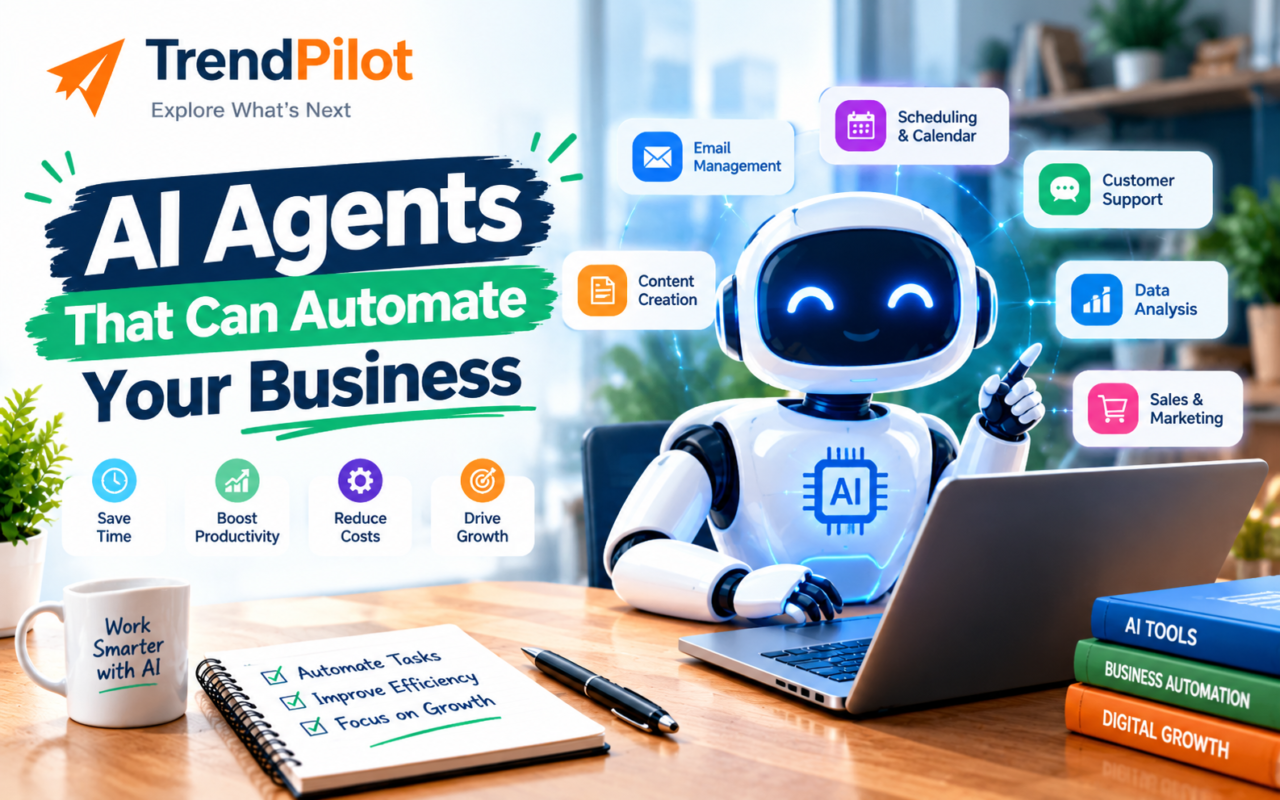
Running a business involves many daily tasks, such as replying to emails, managing customer queries, following up with leads, updating records, and preparing reports. These activities can take hours and leave less time for business growth. This is where AI agents for business can help.
AI agents can understand a goal, work with connected tools, and complete several steps with limited human input. Depending on the platform and permissions, they can help automate customer support, sales follow-ups, marketing tasks, and internal workflows. In this guide, we will explore the top AI agent tools, their main uses, and how to choose the right option for your business.
What Are AI Agents for Business Automation?
AI agents are software systems designed to work toward a specific goal. They can process information, decide which steps to take, and use connected applications to perform tasks.
For example, a sales agent may review a new enquiry, collect relevant information, update a CRM, and prepare a follow-up email. Some actions can happen automatically, while others may require human approval.
Traditional automation usually follows fixed rules. AI agents can handle tasks that need some reasoning or decisions, although their abilities depend on the system, instructions, and tools available to them.
Top AI Agent Tools for Business Automation
Different businesses need different types of automation. Some need help connecting everyday apps, while others need agents for customer service or internal operations. Here are six tools worth exploring.
1. Zapier Agents — Best for Connecting Business Apps
Zapier Agents helps businesses create AI agents that work with connected applications and automate multi-step tasks. It is useful for teams that want to reduce repetitive work without building every integration from scratch.
Key features:
- Connect workflows across supported business applications.
- Automate repetitive tasks between different tools.
- Use AI to process information and help complete workflows.
- Build automations without extensive coding.
Best use cases: Lead management, email workflows, task creation, customer enquiry routing, and updating business records.
Best for: Small businesses and teams that use several online applications.
Explore Zapier’s AI automation tools to learn more about its automation options.
2. Microsoft Copilot Studio — Best for Microsoft-Based Businesses
Microsoft Copilot Studio allows businesses to create AI agents that use business information, connected systems, and workflows. It can be a useful option for organisations that already work with Microsoft products.
Key features:
- Build agents for internal and customer-facing tasks.
- Connect agents to supported business systems.
- Use workflows and integrations to perform actions.
- Deploy agents through supported channels, including Microsoft Teams and websites.
Best use cases: Answering employee questions, handling customer enquiries, retrieving business information, and automating internal processes.
Best for: Businesses that already use Microsoft 365 and related business applications.
Read the official Microsoft Copilot Studio documentation for details about agent capabilities.
3. n8n — Best for Custom Workflow Automation
n8n is a workflow automation platform that allows users to connect applications, APIs, and AI models. It offers visual workflow building and options for users who want greater control over their automation setup.
Key features:
- Connect different services in a single workflow.
- Add AI agents to suitable workflows.
- Customise automation using integrations and code when needed.
- Choose a deployment approach that fits your technical and security requirements.
Best use cases: Processing leads, organising business data, generating reports, connecting marketing tools, and creating custom internal workflows.
Best for: Businesses that need flexibility and have some technical support available.
Explore n8n’s official website to understand its workflow automation features.
4. Salesforce Agentforce — Best for Sales and Customer Service
Salesforce Agentforce helps businesses build and use AI agents within the Salesforce ecosystem. These agents can work with business data and supported actions to assist with sales, customer service, and other customer-related processes.
Key features:
- Work with information available through connected Salesforce systems.
- Support customer service and sales workflows.
- Help handle routine customer requests.
- Assist with business processes that involve customer records.
Best use cases: Customer enquiry handling, sales assistance, service requests, and customer relationship management.
Best for: Businesses that already rely on Salesforce for sales or customer service.
Learn more on the official Salesforce Agentforce website.
5. Lindy — Best for Email and Meeting Tasks
Lindy is an AI assistant and agent platform designed to help automate everyday knowledge-work tasks. Depending on its setup and connected applications, it can assist with email, meeting coordination, and administrative work.
Key features:
- Assist with email-related tasks.
- Support meeting scheduling and coordination.
- Connect with supported business applications.
- Reduce repetitive administrative work.
Best use cases: Managing meeting requests, organising follow-ups, and assisting with routine office tasks.
Best for: Business owners, consultants, and small teams that spend a lot of time on emails and scheduling.
Explore Lindy’s official website to review its current features and plans.
6. Relevance AI — Best for Sales Research and AI Workforces
Relevance AI provides tools for building AI agents and workflows that can support business teams. It can be useful for organisations that want to automate research, lead-related activities, and other repetitive knowledge-work processes.
Key features:
- Build agents for specific business tasks.
- Create workflows that combine AI and connected tools.
- Support research and information processing.
- Design task-based agents for sales and business operations.
Best use cases: Lead research, prospect information gathering, data enrichment, and repetitive research tasks.
Best for: Sales and growth teams that want to explore more customised AI workflows.
Visit Relevance AI to explore its agent-building options.
Note: Features, integrations, usage limits, and prices can change. Check each provider’s official website before choosing a paid plan.
How AI Agents Can Automate Business Tasks
AI agents can support different departments, depending on the tools and permissions available. Here are some common examples.
1. Sales and Lead Follow-Ups
Sales teams often receive enquiries from websites, social media, email, and other channels. An AI agent can help organise these enquiries, collect relevant details, update a CRM, and prepare follow-up messages.
For example, when a potential customer submits a form, an agent may categorise the enquiry and notify the relevant salesperson. Sending messages or making commitments should follow your approval rules.
2. Customer Support
AI agents can help answer common questions using approved business information. They may also categorise support requests, collect basic details, and send complex cases to a human representative.
This can reduce repetitive work while allowing support teams to focus on problems that need personal attention.
3. Marketing Automation
Marketing teams can use AI agent tools to support content research, organise campaign information, prepare social media drafts, and summarise campaign performance.
For example, an agent may collect content ideas from approved sources and prepare a draft content calendar. A person should review the information before publishing it.
4. Daily Administrative Work
AI agents can assist with tasks such as sorting emails, preparing meeting summaries, extracting information from documents, and organising records.
These tasks may appear small individually, but automating suitable repetitive work can save time across a team.
5. Reporting and Data Management
Businesses often collect information from spreadsheets, CRMs, forms, and other systems. Agents can help summarise this information, identify missing fields, and prepare reports.
The results should still be checked for accuracy, particularly when the information affects financial, legal, or important business decisions.
AI Agents vs Traditional Automation: What’s the Difference?
Both approaches can reduce manual work, but they are useful in different situations.
| Feature | Traditional Automation | AI Agents |
| How it works | Follows predefined rules | Can interpret information and select steps within its limits |
| Best for | Repetitive, predictable tasks | Tasks that need some interpretation or decision-making |
| Flexibility | Usually follows a fixed process | Can adapt to some changes in the task or input |
| Human involvement | Needed for setup and exceptions | May be needed for review, exceptions, and approvals |
| Example | Send an email when a form is submitted | Review an enquiry, classify it, and prepare an appropriate response |
Traditional automation is often enough when the process is predictable. AI agents may be more useful when a task involves different inputs or requires decisions based on context.
How to Choose the Right AI Agent for Your Business
Choosing a tool is easier when you start with the problem you want to solve instead of selecting a platform based only on popularity.
1. Identify the Task You Want to Automate
Start with one repetitive task, such as lead follow-ups, meeting scheduling, customer support, or report preparation. A clear goal makes it easier to evaluate whether an AI agent is useful.
2. Check Integrations
Make sure the tool works with your existing applications. If your team relies on a CRM, email platform, spreadsheet, or project management system, check whether the required integration is supported.
3. Compare Pricing and Usage Limits
Some tools charge per user, while others use credits, actions, tasks, or workflow executions. Compare the expected monthly cost based on your actual workload, not just the advertised starting price.
4. Review Security and Permissions
AI agents may access business information or perform actions through connected applications. Check data handling, access permissions, activity logs, and approval controls before connecting important systems.
5. Test Before Expanding
Begin with a small workflow and test different situations. Check the accuracy of the results, the time saved, and the number of errors or manual corrections required.
Once the workflow performs reliably, consider expanding it to other tasks.
Common Mistakes to Avoid When Using AI Agent Tools
AI agents can be helpful, but poor setup can create extra work instead of reducing it.
- Automating an unclear process: Define the steps and desired outcome before building an agent.
- Giving too much access: Provide only the permissions the agent needs to complete its task.
- Skipping human review: Require approval for sensitive messages, financial actions, and important decisions.
- Ignoring usage costs: Monitor how many actions, credits, or executions the workflow consumes.
- Expecting perfect results: Test outputs regularly and create a process for handling mistakes.
- Automating everything at once: Start with one useful workflow and expand after measuring its results.
A well-designed automation process should make work easier to manage, not remove necessary checks and accountability.
Final Thoughts
The best AI agents for business depend on your goals, existing software, budget, and technical resources. Zapier Agents is worth exploring for connecting everyday apps, Microsoft Copilot Studio suits many Microsoft-based environments, and n8n offers flexibility for custom workflows. Salesforce Agentforce, Lindy, and Relevance AI are also worth considering for their specific business use cases.
Start by identifying one repetitive task, testing a suitable tool, and measuring the results. With clear instructions, suitable permissions, and regular reviews, AI agents can help businesses save time and manage everyday operations more efficiently.
Want to explore more practical AI tools and business technology guides? Visit The Trend Pilot homepage for more insights.
Frequently Asked Questions
1. What are the best AI agents for business?
Popular options to explore include Zapier Agents, Microsoft Copilot Studio, n8n, Salesforce Agentforce, Lindy, and Relevance AI. The right choice depends on your tasks, existing software, budget, and required integrations.
2. Can AI agents automate a small business?
Yes. Small businesses can use AI agents to assist with lead management, email organisation, customer support, reporting, and marketing workflows. Start with a simple task and expand as you understand the results.
3. Are AI agent tools free?
Some platforms offer free plans, trials, or self-hosted options. Features and usage limits vary, so check the official pricing pages to understand what is included and whether paid usage is required.
4. What is the difference between AI agents and AI assistants?
An AI assistant usually helps when a person asks a question or gives an instruction. An AI agent can also work through a series of steps and use connected tools to pursue a goal, depending on its capabilities and permissions.
5. Are AI agents safe for business automation?
They can be used more safely with appropriate access controls, testing, monitoring, and human approval for sensitive actions. Businesses should review privacy policies and avoid giving agents unnecessary access to confidential information.
6. Do I need coding skills to use AI agents?
Not always. Some platforms provide visual builders and no-code features, while advanced workflows may require technical knowledge. Choose a tool based on your team’s skills and the complexity of the task.